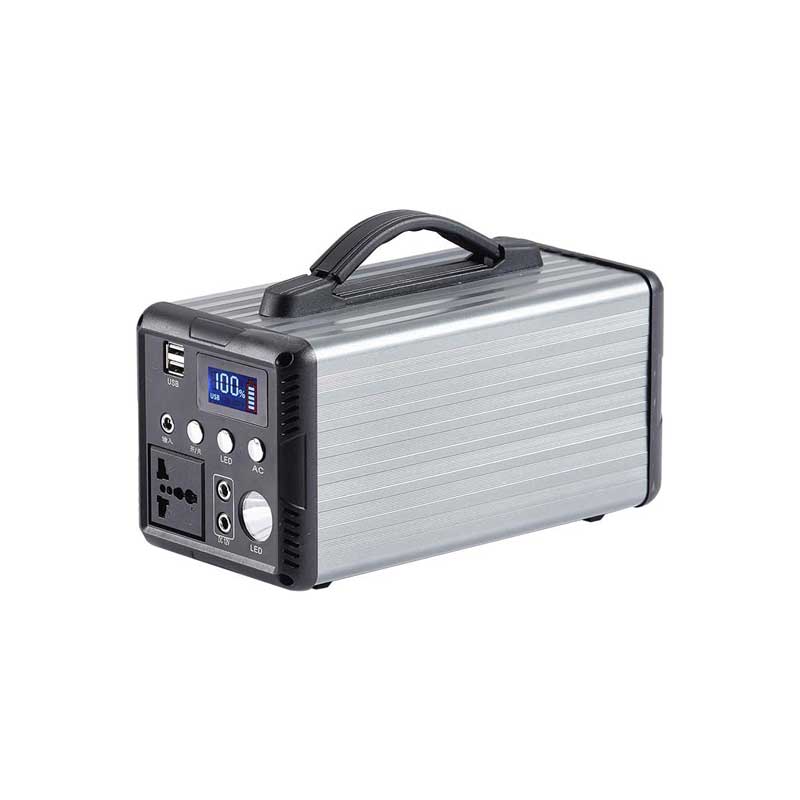
Computer Power Supply Navigating 110V vs. 220V
In the realm of computer hardware, the power supply unit (PSU) plays a pivotal role in ensuring your system runs smoothl...

In the realm of computer hardware, the power supply unit (PSU) plays a pivotal role in ensuring your system runs smoothly and efficiently. When it comes to international use, one of the most common questions revolves around the voltage compatibility – specifically, whether a PSU is designed for 110V or 220V. This article aims to shed light on the differences between these two voltage standards, their implications for computer power supplies, and tips for selecting the right one for your needs.
Understanding Voltage Standards
110V: Primarily used in North America, parts of South America, and some Asian countries like Japan.
220V: Widely adopted in most of Europe, Asia (excluding Japan), and parts of Africa.
PSU Voltage Compatibility
Modern PSUs are often dual-voltage capable, meaning they can handle both 110V and 220V inputs. This versatility is achieved through internal circuitry that automatically detects and adjusts to the input voltage, allowing for global use without the need for voltage converters.
Wattage Considerations
Regardless of voltage, it's crucial to match the PSU's wattage to your system's power requirements. A PSU with sufficient wattage ensures stable power delivery for all components, while under-powering can lead to instability or even damage.
Efficiency Ratings
PSUs are rated based on their efficiency, typically expressed as a percentage. Higher efficiency (e.g., 80+ Gold or Platinum) means less energy浪费 and lower operating temperatures, making them more suitable for long-term use.
Modular vs. Non-Modular PSUs
Modular PSUs allow you to add only the cables you need, reducing clutter and improving airflow within your case. While not directly related to voltage, modularity is a feature worth considering for better cable management and potential future upgrades.
Safety Certifications
Look for PSUs with safety certifications such as UL, CE, or TUV, which ensure the product meets international safety standards. Safety features like overcurrent protection, short-circuit protection, and surge suppression are vital for protecting your system against power-related hazards.
Form Factor
Standard form factors like ATX, SFX, or SFX-L need to be considered based on your case's compatibility. While voltage compatibility is key, ensuring a proper fit is equally important.
Fan Design and Noise Levels
PSUs with larger fans and optimized airflow can keep operating temperatures lower, reducing noise levels. For silent PC builds, consider PSUs with features like zero RPM modes or advanced fan control.
Compatibility with Future Upgrades
If you plan to upgrade your system in the future, ensure your PSU has enough room for additional components like GPUs or storage drives without compromising on power delivery or efficiency.
Cost vs. Value
While higher-end PSUs may have a higher initial investment, they often offer better efficiency, longer lifespan, and peace of mind in terms of reliability and stability. Consider the long-term benefits when making your purchase decision.
Choosing the right computer power supply involves more than just电压兼容性 considerations. From wattage and efficiency to form factor and safety features, there are several factors that should be carefully evaluated to ensure optimal performance and reliability for your PC build. By keeping the above guidelines in mind, you can confidently select a PSU that meets both your current and future needs, whether you're operating on 110V or 220V grids.
Related Content
- Best Portable Power Bank for iPhone Your Ultimate Guide to Staying Powered On the Go
- iPhone Portable Power Bank The Ultimate Guide to Staying Charged On-the-Go
- Power Supply for HP Laptop Computers A Comprehensive Guide
- 110V Power Supply A Comprehensive Guide
- Power Supply for PC 650W The Ultimate Guide for Reliable and Efficient Power
- 220V Power Supply A Comprehensive Guide
- Best Portable Power Banks for Laptop Charging A Comprehensive Guide
- External Power Supply for Laptops A Comprehensive Guide
- Power Supply 28V Datasheet A Comprehensive Guide
- Energy Storage Power Supply Revolutionizing Modern Energy Systems