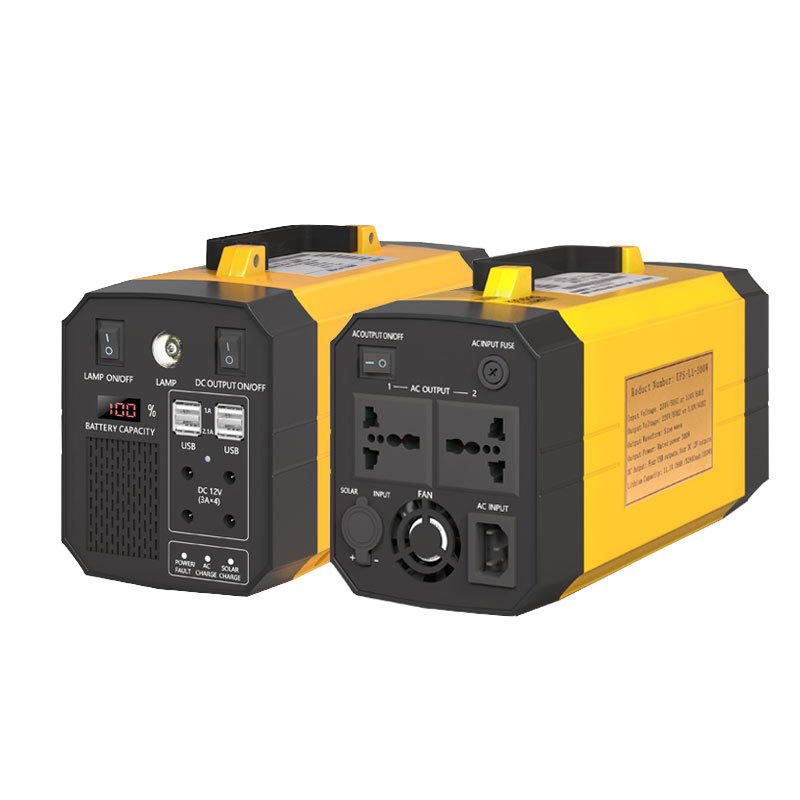
Power Supply for Desktop PC A Comprehensive Guide
In the realm of desktop computing, the power supply unit (PSU) serves as the lifeblood of your system, providing the nec...

In the realm of desktop computing, the power supply unit (PSU) serves as the lifeblood of your system, providing the necessary juice to keep all components humming. This critical component not only ensures your PC stays operational but also plays a pivotal role in maintaining system stability and ensuring components receive the correct voltage and current. In this comprehensive guide, we'll delve into the world of desktop PC power supplies, covering everything from basics to advanced considerations.
Understanding Power Supply Basics
At its core, a PSU converts household AC power into DC power, which is then distributed to various components via a network of cables. The two most important specs to consider are wattage and efficiency. Wattage indicates the maximum amount of power the PSU can deliver, while efficiency measures how much of that power is converted into usable electricity versus being lost as heat.
Choosing the Right Wattage
Determining the right PSU wattage starts with assessing your system's needs. Modern systems with high-end GPUs and multiple hard drives will require more power than entry-level builds. As a general rule, aim for a PSU that provides at least 50% more wattage than your system's total estimated power draw to account for future upgrades and unforeseen power spikes.
Efficiency Matters
Efficiency ratings, typically denoted by 80 PLUS certifications (such as Bronze, Silver, Gold, Platinum, and Titanium), indicate how much of the input power is converted into usable output. Higher efficiency means less energy wasted as heat, resulting in lower operating temperatures and potentially lower energy bills. Opt for at least an 80 PLUS Bronze-certified PSU for a balance between cost and efficiency.
Modular vs. Non-Modular PSUs
Modular PSUs allow you to attach only the cables you need, leading to a cleaner build and better airflow. Non-modular PSUs, on the other hand, come with all cables pre-attached, which can result in cluttered cables and reduced airflow. While modular PSUs may cost more upfront, they often pay off in terms of improved cable management and potential upgrade flexibility.
Single vs. Multi-Rail Design
Single-rail PSUs regulate all voltages from a single output, while multi-rail designs provide independent voltage regulation for different components. Multi-rail designs can offer better voltage stability and lower ripple, making them preferable for high-end systems.
Fan Design and Noise
PSUs typically feature either a standard fan or a fanless (passive) design. Standard fans are more common and effective at maintaining low temperatures, but they can be noisy under heavy load. Fanless PSUs are quieter but may struggle with heat dissipation under heavy workloads or in compact cases. Consider noise levels when building a silent PC or choosing a PSU for a media center.
Safety Features
Look for PSUs with multiple safety certifications like UL, CE, and FCC approval. These certifications ensure the PSU meets strict safety standards, protecting both your hardware and yourself from potential electrical hazards.
Future-Proofing
Consider future-proofing by opting for modular cables with sufficient length and connectivity options (e.g., SFX form factor for smaller cases). This will accommodate future upgrades without requiring a PSU replacement.
Form Factor Considerations
Desktop PSUs come in standard ATX sizes but also include SFX/SFX-L for smaller form factors. Choose based on your case's compatibility to maintain optimal internal airflow and size constraints.
Budget vs. Premium Options
While budget PSUs can get the job done, investing in a premium unit can yield longer lifespan, better efficiency, and quieter operation. Premium brands like Seasonic, Corsair, EVGA, and Be Quiet! offer high-quality PSUs backed by excellent customer support and warranties.
Selecting the right power supply for your desktop PC is crucial for ensuring reliable performance, efficient energy use, and a clean, organized build. By considering factors such as wattage, efficiency, modularity, fan design, safety features, form factor, and budget considerations, you can make an informed decision that meets both your current and future needs. Remember, a quality PSU is an investment that can save you time and hassle down the line.
Related Content
- MPC One Power Supply A Comprehensive Guide
- 12V Class 2 LED Lighting Power Supply A Comprehensive Guide
- Dock Portable Power Bank Your Ultimate On-the-Go Charging Solution
- Portable Power Banks for Computers Keeping Your Devices Charged on the Go
- Power Supply Unit PC World A Comprehensive Guide to Choosing the Best PSU for Your PC
- USB Power Supply A Comprehensive Guide
- What Is Uninterruptible Power Supply (UPS)? A Comprehensive Guide
- Riden RD6024 Power Supply A Comprehensive Review and Guide
- Uninterruptible Power Supply (UPS) for Computer Systems A Comprehensive Guide
- PC Power Supply Modular The Ultimate Guide to Efficient and Customizable Power Solutions