Power Supply for HP Pavilion Desktop A Comprehensive Guide
In today's digital age, desktop computers have become an integral part of our daily lives, from work and study to entert...
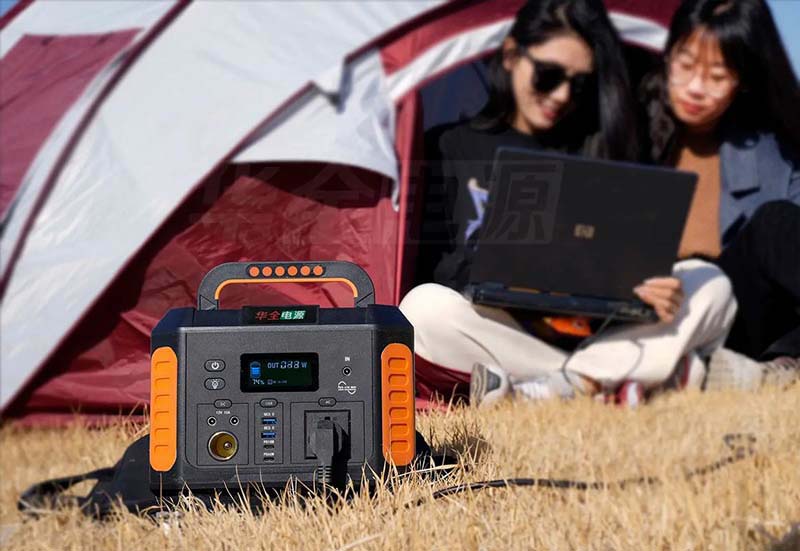
In today's digital age, desktop computers have become an integral part of our daily lives, from work and study to entertainment and beyond. The HP Pavilion desktop series, in particular, stands out for its sleek design, powerful performance, and user-friendly features. However, ensuring optimal operation requires a reliable power supply unit (PSU). This guide aims to provide a comprehensive overview of the power supply needs for HP Pavilion desktops, highlighting key considerations and recommendations to help you make an informed choice.
Understanding Power Requirements
HP Pavilion desktops vary in power consumption based on their configuration—from entry-level models with integrated graphics to high-end variants equipped with powerful processors and dedicated GPUs. Typically, these systems require a power supply ranging from 300 watts to 850 watts or more. It's crucial to check your specific model's recommended power supply to avoid underpowering or overpowering your system.
Efficiency Ratings
power supplies are rated based on their efficiency, measured in percentages. Higher efficiency means less energy wastage and reduced operating costs over time. Look for an 80 PLUS certification, which indicates the PSU meets strict efficiency standards under various load conditions. For HP Pavilion desktops, opting for at least an 80 PLUS Bronze-rated power supply is recommended.
Modular vs. Non-Modular PSUs
Modular PSUs allow you to connect only the cables you need, improving airflow and reducing clutter inside your case. While non-modular PSUs are simpler and often less expensive, they may not offer the same level of flexibility or cleanliness in cable management. Depending on your build preferences and future upgrades, choose accordingly.
Form Factor Compatibility
Ensure the power supply is compatible with your desktop's case form factor. Most modern HP Pavilion desktops accommodate standard ATX or microATX PSUs, but always refer to your manual for specific requirements.
Wattage Margin
Leaving a reasonable margin (10-20%) above your system's actual power draw is advisable to account for future upgrades or unforeseen power spikes. This ensures your PSU can handle additional loads without becoming a bottleneck.
Safety Features
Safety should be a top priority when selecting a power supply. Look for protections such as overvoltage, overcurrent, short-circuit, and over-temperature safeguards to protect your investment and ensure stable power delivery.
Brand Reliability
Reputable brands like Corsair, EVGA, Seasonic, and Antec are known for their high-quality power supplies. While price may be a consideration, investing in a reliable brand can save you from potential issues down the line.
Noise Levels
PSUs can be noisy due to fan operation. Opt for units with fanless designs or those equipped with quiet fans and advanced temperature control systems to minimize noise distractions during use.
Warranty Coverage
A lengthy warranty (typically 5-10 years) from a reputable brand is a good indication of the product's durability and after-sales support. Don't overlook this when making your purchase decision.
Cost vs. Value
While cost is an important factor, remember that a quality power supply is an investment in your system's longevity and stability. Balancing features, efficiency, and budget can help you find the best value for your needs.
Choosing the right power supply for your HP Pavilion desktop is crucial for maintaining optimal performance and ensuring a hassle-free computing experience. By considering factors such as efficiency, form factor, modularity, safety features, brand reliability, noise levels, warranty coverage, and cost-value ratio, you can make an informed decision that meets both current and future needs. Remember to always refer to your desktop's specifications for precise power requirements and choose a PSU that aligns with these guidelines to keep your HP Pavilion running smoothly.
Related Content
- Uninterruptible Power Supply Philippine Price A Comprehensive Guide
- Dell Laptop Power Supply 100W A Comprehensive Guide
- Charging Power Bank with Laptop A Comprehensive Guide
- Magnetic Power Bank for iPhone 11 The Ultimate Portable Charging Solution
- Switching Power Supply 24V 10A A Comprehensive Guide
- USB 5V 1A Power Supply A Comprehensive Guide
- Do I Need an Uninterruptible Power Supply?
- Outdoor Lithium Battery The Ultimate Power Solution for Your Adventures
- Powerbank iPhone 15 Pro The Ultimate Guide to Choosing the Best Portable Charger
- Small Portable Power Bank Charger Your Ultimate On-the-Go Charging Solution

