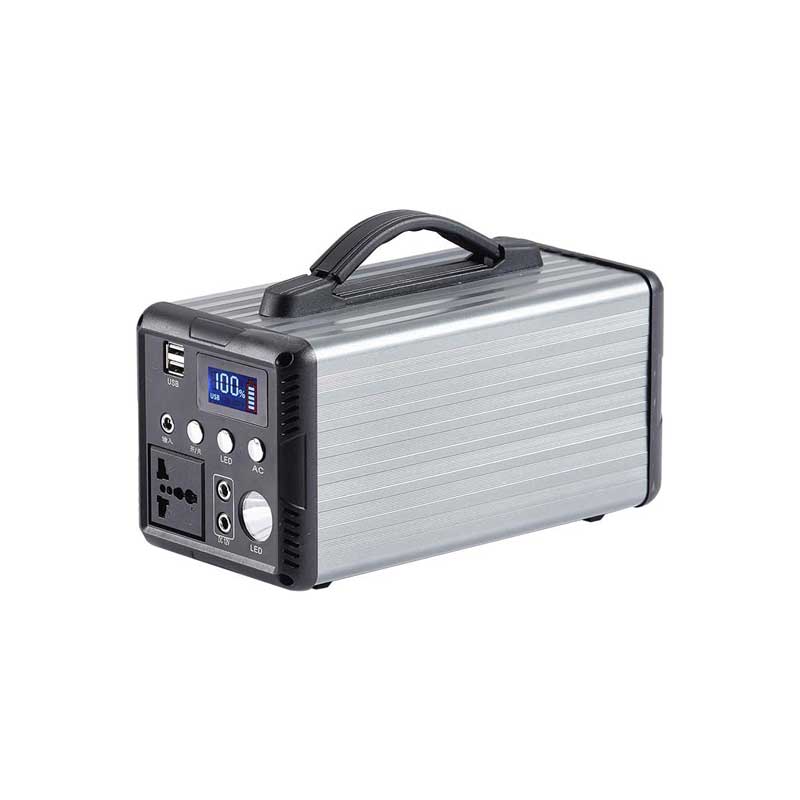
Power Supply Unit Information A Comprehensive Guide
A Power Supply Unit (PSU) is a crucial component in any electronic device, especially in computers. It converts electric...

A power supply Unit (PSU) is a crucial component in any electronic device, especially in computers. It converts electrical power from an outlet into usable power for the device’s internal components. Understanding the PSU’s functions, types, specifications, and maintenance can help users choose the right unit and ensure stable and efficient operation of their systems. In this article, we will explore essential information about power supply units, breaking down the topic into key points for a clear and thorough understanding.
1. What is a Power Supply Unit?
A power supply unit is an electronic device that supplies electric power to a computer or other electronic equipment. It converts alternating current (AC) from the power outlet into direct current (DC) needed by internal components such as the motherboard, CPU, GPU, and storage devices. The PSU regulates voltage to prevent damage and maintain system stability.
2. Types of Power Supply Units
There are several types of PSUs available for different applications:
ATX PSU: The most common type used in desktop computers.
SFX PSU: A smaller version for compact builds.
Modular PSU: Allows users to connect only the cables they need, reducing clutter.
NonModular PSU: Comes with fixed cables.
Redundant PSU: Used in servers for backup power.
Understanding these types helps users select a PSU that fits their system size and power needs.
3. Key Specifications of a PSU
When choosing a PSU, several specifications are essential:
Wattage: Indicates the maximum power output. It must match or exceed the total power consumption of your system.
Efficiency Rating: Measured by 80 PLUS certifications (Bronze, Silver, Gold, Platinum, Titanium), higher efficiency means less energy waste and heat.
Voltage Rails: The PSU provides different voltage rails (+3.3V, +5V, +12V); the +12V rail is most important for modern components.
Form Factor: Ensures the PSU fits in the computer case (e.g., ATX, SFX).
4. How to Calculate Power Requirements
Determining the correct wattage is vital for system stability. Add up the power consumption of all components, including CPU, GPU, drives, and peripherals. Online PSU calculators can help estimate your needs, but adding a 2030% safety margin is recommended to accommodate future upgrades and avoid overload.
5. Importance of PSU Efficiency
A highefficiency PSU wastes less electricity, reducing operating costs and heat output. This also contributes to quieter operation since the cooling fan runs less frequently. Investing in a PSU with an 80 PLUS Gold or higher certification ensures better performance and reliability.
6. Modular vs. NonModular PSUs
Modular PSUs allow users to connect only the cables they need, improving airflow and reducing cable clutter inside the case. Nonmodular PSUs have all cables permanently attached, which may cause cable management challenges. Semimodular PSUs combine both features by having some fixed and some detachable cables.
7. Safety Features in Power Supply Units
Quality PSUs include safety protections such as:
Over Voltage Protection (OVP)
Under Voltage Protection (UVP)
Over Current Protection (OCP)
Short Circuit Protection (SCP)
Over Temperature Protection (OTP)
These features prevent damage to components and ensure user safety.
8. Signs of a Failing PSU
Recognizing PSU failure early can save your system. Common symptoms include:
Random shutdowns or restarts
Failure to power on
Burning smell or unusual noise
System instability under load
If these signs appear, testing the PSU with a multimeter or replacing it is advisable.
9. Maintenance Tips for PSU Longevity
To extend the life of your PSU:
Keep it clean from dust by regularly cleaning vents and fans.
Ensure proper ventilation in your PC case.
Avoid overloading by using the correct wattage PSU.
Use a surge protector to guard against power spikes.
The power supply unit is a vital component that ensures your electronic devices receive stable and sufficient power. Understanding the different types, specifications, and maintenance practices helps users make informed decisions when selecting or troubleshooting a PSU. Investing in a highquality, efficient power supply unit not only improves system reliability but also enhances energy efficiency and safety. Whether building a new PC or upgrading an existing system, paying attention to PSU information is essential for optimal performance.
Related Content
- Arduino Nano External Power Supply A Comprehensive Guide
- External Power Button for Laptop A Game-Changer in Convenience and Portability
- 12 Volt Power Supply for Outdoor 12V Lighting A Comprehensive Guide
- Power Supply 5V 3A A Comprehensive Guide
- 5V 1A Multi-Port USB Power Supply A Comprehensive Guide
- Home Depot Battery Backup Power Supply Your Ultimate Guide to Uninterrupted Power
- Cheap Full Landlord Power Supply A Comprehensive Guide
- Power Supply for Laptop Computers A Comprehensive Guide
- Outdoor Power Supply The Ultimate Guide to Reliable Energy on the Go
- Small Portable Power Bank The Ultimate Guide to Staying Charged on the Go