Power Supply Unit PSU Interno 300W A Comprehensive Guide
When it comes to building or upgrading a desktop computer, the power supply unit (PSU) is a critical component that ofte...
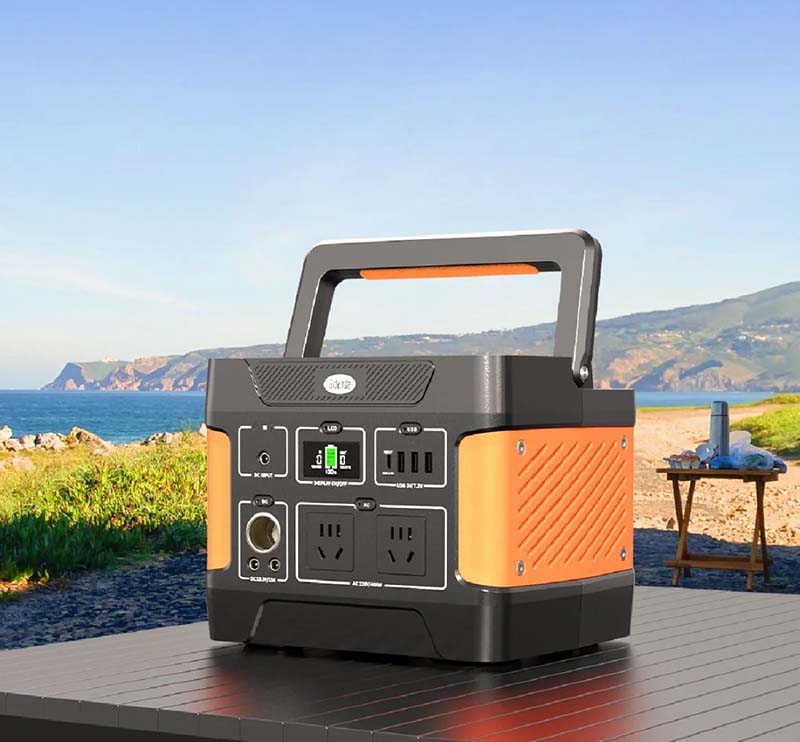
When it comes to building or upgrading a desktop computer, the power supply unit (PSU) is a critical component that often gets overlooked. The PSU is responsible for converting electrical power from an outlet into usable power for the computer’s internal components. A 300W internal power supply unit is a popular choice for budget builds or low-power systems. In this article, we will explore the key aspects of a 300W internal PSU, its features, benefits, and considerations to help you make an informed decision.
What is a PSU Interno 300W?
A PSU interno 300W refers to an internal power supply unit that delivers up to 300 watts of power to a computer’s components. It is installed inside the computer case and connects to the motherboard, storage drives, and other peripherals. The 300W rating indicates the maximum continuous power output the unit can provide.
Ideal Use Cases for a 300W PSU
A 300W PSU is typically suited for basic desktop systems, such as office computers, home PCs, or entry-level gaming rigs. It provides sufficient power for systems with integrated graphics or low-power discrete GPUs, standard hard drives, and a few peripherals. This makes it an economical choice for users who do not require high performance or extensive hardware.
Efficiency Ratings and Certifications
When choosing a 300W PSU interno, it’s important to consider its efficiency rating. Many PSUs come with 80 PLUS certification, which guarantees a certain level of energy efficiency (usually 80% or higher at typical loads). Higher efficiency means less heat generation, lower electricity bills, and better reliability. Look for certifications like 80 PLUS Bronze or higher for a good balance between cost and performance.
Key Connectors and Compatibility
A 300W PSU will typically include essential connectors such as a 24-pin ATX main power cable, a 4+4 pin CPU power connector, SATA power connectors for storage devices, and Molex connectors for older peripherals. Ensure the PSU you choose has the right connectors compatible with your motherboard and other hardware components.
Size and Form Factor
Most 300W internal PSUs come in the standard ATX form factor, which fits most mid-tower and full-tower cases. However, for smaller cases, such as mini-ITX builds, you might need a smaller form factor PSU like SFX. Always verify the size compatibility with your case before purchasing.
Safety Features and Protections
A good quality 300W PSU should include multiple safety features to protect your computer. These typically include over-voltage protection (OVP), under-voltage protection (UVP), over-current protection (OCP), short circuit protection (SCP), and over-temperature protection (OTP). These safeguards help prevent damage to your components in case of electrical faults.
Noise Levels and Cooling
PSUs generate noise due to their internal cooling fans. A 300W PSU generally has a smaller fan and tends to be quieter compared to higher wattage units. Some models feature smart fan control, which adjusts fan speed based on temperature, reducing noise when the system is under light load.
Price and Brand Considerations
Budget-friendly 300W PSUs are widely available from various manufacturers. While it might be tempting to choose the cheapest option, investing in a reputable brand ensures better reliability, warranty support, and overall performance. Brands such as Corsair, Seasonic, EVGA, and Cooler Master are known for producing quality power supplies.
Upgrading Beyond 300W
If you plan to upgrade your system with more powerful components in the future, a 300W PSU might become a limiting factor. Consider your future needs before settling on 300W. For gaming or workstation PCs with high-performance GPUs and multiple drives, a higher wattage PSU (400W or above) might be a better long-term investment.
A PSU interno 300W is a practical and cost-effective power solution for basic computer systems. It offers sufficient power for everyday tasks and light gaming, while maintaining energy efficiency and reliability. When selecting a 300W PSU, pay attention to efficiency certifications, connector compatibility, safety features, and brand reputation. By choosing the right PSU, you ensure stable power delivery and prolong the lifespan of your PC components. Whether you are building a new PC or replacing an old power supply, understanding the key aspects of a 300W internal PSU will help you make the best choice for your needs.
Related Content
- Powerbank 65 Watt Output The Ultimate Guide to High-Powered Portable Charging
- Best Buy Portable Phone Charger Power Bank Your Ultimate Guide to Staying Powered On
- Portable UPS Power Supply Your Reliable Backup Power Solution
- What Is the Power Supply Unit? A Comprehensive Guide
- Best Magnetic Power Bank for Samsung Ultimate Guide to Keep Your Devices Charged
- Arduino 9V Power Supply A Comprehensive Guide
- Portable Power Banks for Laptops A Game-Changer for On-the-Go Devices
- How to Get Power Supply Unit Abiotic Factor A Comprehensive Guide
- Power Supply for HP A Comprehensive Guide
- DC24V Power Supply 120W DR-120-24 A Comprehensive Guide

