Power Supply Unit (PSU) The Heart of Your Computer
A Power Supply Unit (PSU) is an essential component of any computer system. It converts the electrical power from your w...
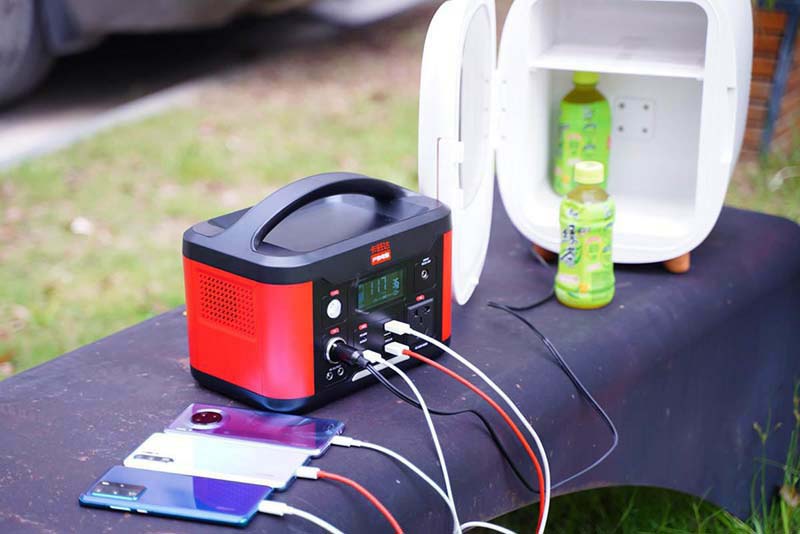
A power supply Unit (PSU) is an essential component of any computer system. It converts the electrical power from your wall outlet into usable power for the internal components of your computer. Without a reliable PSU, your computer cannot function properly, and an inadequate or faulty PSU can cause serious damage to your hardware. In this article, we will explore the key aspects of a PSU, including its function, types, wattage considerations, efficiency ratings, connectors, and tips for choosing the right PSU for your needs.
What is a Power Supply Unit (PSU)?
The PSU is a hardware component responsible for supplying power to every part of your computer. It takes the alternating current (AC) from your home or office power outlet and converts it into direct current (DC) at various voltages that the computer components require. This includes powering the motherboard, CPU, graphics card, hard drives, and other peripherals.
Types of PSUs
There are several types of PSUs available, mainly differentiated by form factor and efficiency:
ATX PSU: The most common type, used in most desktop computers.
SFX PSU: Smaller form factor PSUs designed for compact or mini-ITX builds.
Modular vs Non-Modular PSUs: Modular PSUs allow you to connect only the cables you need, reducing clutter and improving airflow. Non-modular PSUs have all cables permanently attached.
Wattage and Power Requirements
Choosing the right wattage is crucial. The PSU wattage rating indicates the maximum power it can supply. If your PSU is underpowered, your system may become unstable or fail to boot. Conversely, an oversized PSU is less efficient and more expensive. To determine the wattage you need, consider the power consumption of your CPU, GPU, and other components. Many manufacturers provide PSU calculators online to help estimate your needs.
Efficiency Ratings and Certifications
Efficiency ratings measure how much power the PSU converts from AC to DC without wasting energy as heat. The most recognized certification is the 80 PLUS rating, which has different levels such as Bronze, Silver, Gold, Platinum, and Titanium. Higher efficiency PSUs not only save energy but also generate less heat and tend to have longer lifespans.
Connectors and Compatibility
Modern PSUs come with various connectors to support different hardware:
24-pin ATX connector: Powers the motherboard.
4/8-pin CPU connector: Supplies power to the processor.
PCIe connectors: Dedicated power for high-performance graphics cards.
SATA and Molex connectors: Used for storage drives and other peripherals.
Ensuring your PSU has the correct connectors for your components is essential for compatibility.
Importance of Quality and Safety Features
A high-quality PSU includes protective features such as over-voltage protection, under-voltage protection, short circuit protection, and over-current protection. These safeguards prevent damage to your components in case of power surges or faults. Investing in a reputable brand with good reviews is recommended to ensure stability and safety.
Noise Levels and Cooling
PSUs have cooling fans to dissipate heat. Some models feature temperature-controlled fans that run quietly when the system is idle and speed up under heavy loads. Low noise PSUs are especially important for quiet PC builds or home theater PCs.
When to Replace Your PSU
If your computer experiences random shutdowns, fails to power on, or shows signs of unstable performance, your PSU may be failing. Old PSUs can degrade over time and may not provide stable power. Upgrading to a newer, more efficient PSU can improve system stability and longevity.
The Power Supply Unit (PSU) is a critical component that ensures your computer runs smoothly and safely by providing stable and reliable power. When selecting a PSU, consider the wattage, efficiency rating, type, connectors, and quality to match your specific hardware requirements. A well-chosen PSU not only protects your investment but also improves overall system performance and lifespan. Whether you’re building a new PC or upgrading an existing one, understanding the importance of the PSU will help you make an informed decision and keep your system running at its best.
Related Content
- The Ultimate Guide to 12V 5A Power Supply Everything You Need to Know
- Power Supply with Timer Enhancing Efficiency and Control
- Altronix Fire Alarm Power Supply Ensuring Reliable Fire Safety Systems
- Portable Power Bank eBay Your Ultimate Guide to Staying Charged On-the-Go
- Optimizing Your Search for "Benchtop Power Supply Amazon"
- AC Outlet Portable Laptop Power Bank A GameChanger for Mobile Workstations
- Altronix 12/24 VDC Power Supply A Comprehensive Guide
- Outdoor PoE Power Supply A Comprehensive Guide
- 12V DC Power Supply A Comprehensive Guide
- Waeco 240V to 12V Power Supply A Comprehensive Guide

